
How We Fixed Repeated Google Reconnection Prompts in Netsujo SIGNAL
Netsujo Inc. ·
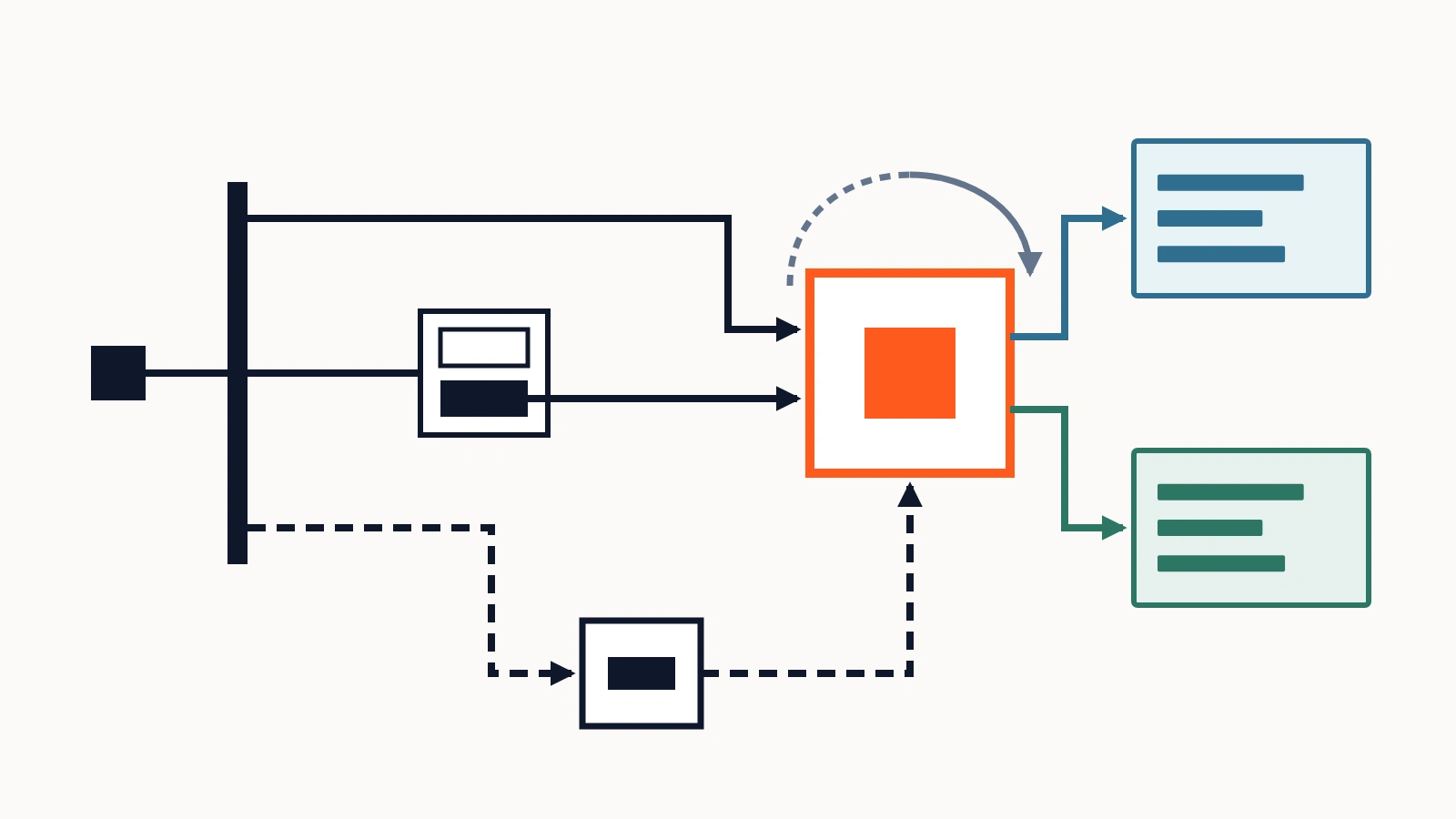
In October 2026, a customer told Netsujo Inc. that Netsujo SIGNAL kept asking for a Google reconnection after they signed in again. SIGNAL is our web-sales platform, helping businesses understand their websites and work on improvements. Repeated connection prompts for Google Analytics 4 (GA4) and Search Console can interrupt the analysis and improvement work customers came to do.
We treated the report as an issue with our own product. We investigated the reported experience, separated several technical states that could produce similar symptoms, fixed three code-level defects, and verified that an authorized production workspace could still retrieve Google data after a normal logout and login. The key question was not how many lines we changed. It was how to establish that the user's work could proceed again.
We apply the lessons from our own product incident response to FDE (Forward Deployed Engineer)-style delivery: understanding a customer’s interrupted workflow and connecting engineering changes to real usage.
We did not automatically label the report as revoked Google access
The customer reported repeatedly being prompted to reconnect. However, the screenshot initially shared showed an overview with no finalized diagnosis decision. That was insufficient evidence to determine whether Google's authorization grant had actually expired.
We therefore examined the customer-visible symptom separately from the underlying system states:
| Layer | Question we examined | Risk of confusing it with another layer |
|---|---|---|
| SIGNAL sign-in | Is the application session valid? | Treating an app login problem as Google authorization expiry |
| Google authorization | Is the saved grant valid, and is expiry explicit? | Asking for new consent without a proven reason |
| GA4 and Search Console | Are resources selected and readable? | Displaying missing selection or insufficient permissions as no connection |
| Diagnosis display | Is the data read complete, and has a decision been finalized? | Mistaking unfinished analysis for a connection failure |
Being signed into SIGNAL, maintaining Google authorization, reading metrics, and displaying a finalized diagnosis are four separate conditions. Our goal was to show customers the action appropriate to the state that actually existed, without making them reconnect unnecessarily.
We found three code paths that could create misleading prompts
Our investigation identified three verified implementation defects capable of misrepresenting the connection state. The original customer evidence did not establish which individual path caused every occurrence of that customer's experience. We kept that attribution open while repairing the defects confirmed in the source.
1. A generic Google data-API 401 was classified as revoked Google authorization
The 401 discussed here is the one returned by the Google data APIs (GA4 and Search Console) when SIGNAL fetches data; it is distinct from a 401 on the SIGNAL application session. Our API error classifier could interpret a general HTTP 401 from a GA4 or Search Console call as invalid_grant. An explicit invalid_grant can signal that fresh Google authorization is necessary, but an ordinary 401 may have different causes, including the current authentication or access-token state.
We changed the classifier to distinguish generic 401 responses, invalid_token, and UNAUTHENTICATED from explicit invalid_grant. The appropriate recovery path remains for genuinely missing or invalid saved refresh credentials.
The result was the removal of a route that could send users to Google reconnection on the strength of an ambiguous 401 alone.
2. A saved integration could be shown as a first-time setup
A configuration could still exist in storage even when no connected resource was currently readable. Our interface could previously treat that situation like an unconfigured connection. In reality, inadequate resource permissions, a configuration error, an ongoing check, and a sync failure require different instructions.
We separated configured but degraded from never configured and updated the guidance to reflect the actual state. We did not expand access to any resource that had not passed verification.
3. An account connection with no chosen data sources could look disconnected
A Google account could remain connected through OAuth while the user had not selected which GA4 property or Search Console site SIGNAL should use. The interface could still lead the user into a fresh Google account connection.
We made Google account connection and data-source selection distinct interface states. That lets users choose the required resources through the intended flow instead of repeating a consent step that would not solve missing selection.
We checked the real sign-in flow after deploying the fixes
The three corrections were implemented and released to production in October 2026 after review and regression testing. The targeted tests covered generic 401 versus explicit grant expiry, saved versus unconfigured integration, and the boundary between verified and unverified data sources.
We did not treat a successful test run or completed deployment as sufficient proof of recovery. On October 21, we carried out a real-browser acceptance check in an authorized, Google-connected production workspace owned by Netsujo.
Our observed sequence was:
- Before sign-out: GA4 and Search Console were connected, their selected resources were visible, and the interface displayed real measurement data.
- Sign-out and sign-in: We used SIGNAL's normal logout flow. The owner completed the authentication steps that required their credentials, and the application session was restored.
- Full reload: After reloading the measurement screen, the previously selected GA4 and Search Console resources remained bound to the workspace.
- Data retrieval: Both data sources returned successful reads. We did not encounter a mandatory new-Google-consent screen.
- Second tab: We checked the connected state in another tab sharing the same browser session.
That evidence established a concrete result: in our authorized production workspace, Google resource selections persisted after ordinary re-login and the application retrieved measurement data again. We preserved the separation of responsibilities around credentials; the owner performed the relevant login interaction, and the agent did not obtain secret values.
The second tab shared the existing browser session and was not a test with isolated cookies in a completely separate browser. We also did not perform the same observed acceptance flow in every external customer's environment, including the one from which the original complaint came. We make that scope explicit rather than using one internal acceptance result as evidence about every customer.
How this changed the way we frame FDE-style delivery
When a customer says an integration has stopped working, the problem may involve several separate responsibilities. We first need to understand the sequence of actions that has been interrupted. We then determine which part—application authentication, third-party authorization, resource selection, data retrieval, or display—needs attention. Finally, we check the defined workflow again after the fix.
The SIGNAL incident led us to articulate four practical steps for deployment and incident work:
- Describe the interrupted action. Identify the screen, preceding action, and point at which the customer cannot proceed.
- Separate persistent states. Distinguish login, external authorization, selected resources, API results and UI presentation.
- Correct the specific cause. Preserve legitimate reauthorization paths while removing unnecessary reconnection prompts.
- Accept the workflow in a real authorized environment. Test logout, login and renewed data retrieval within the boundaries that the environment owner permits.
This is our operational framework derived from the incident, not a universal explanation of every OAuth failure. Customer environments vary, and an effective investigation must preserve their permissions and confidentiality. We do not log into third-party accounts without authorization or modify customer grants merely to manufacture a reproduction.
We connect our engineering outcomes to what customers can actually use
For this SIGNAL incident, we corrected three real defects that could generate misleading Google reconnection experiences and verified successful GA4 and Search Console retrieval after re-login in our production workspace.
We have not presented unsupported numbers about lower support volumes, increased retention, or revenue impact. Acceptance in an affected external customer's environment requires that customer's authorization and an actual observed workflow. Those conditions are part of our responsibility to distinguish completed technical work from broader claims of recovery.
Our focus in AI and SaaS deployment is to connect implementation with the operation the customer is trying to complete. If an integration is blocking your team, we begin with that specific operation, define the technical scope and acceptance conditions, and agree on the implementation or support responsibilities.
AI implementation and operational support / Discuss an integration or deployment
---
About our records: This article draws on our October 2026 SIGNAL incident investigation, code corrections and authorized production-workspace checks. No identifying customer details, credentials or raw access logs are included.